
HR: Human Remains beginner guide
HR: Human Remains is a first-person puzzle adventure where you work off a survival ticket by completing tasks for your demonic boss. Two settings mistakes ruin the start: the recommended darkness is too dark, and right-clicking a held item puts it back where you found it instead of dropping it.
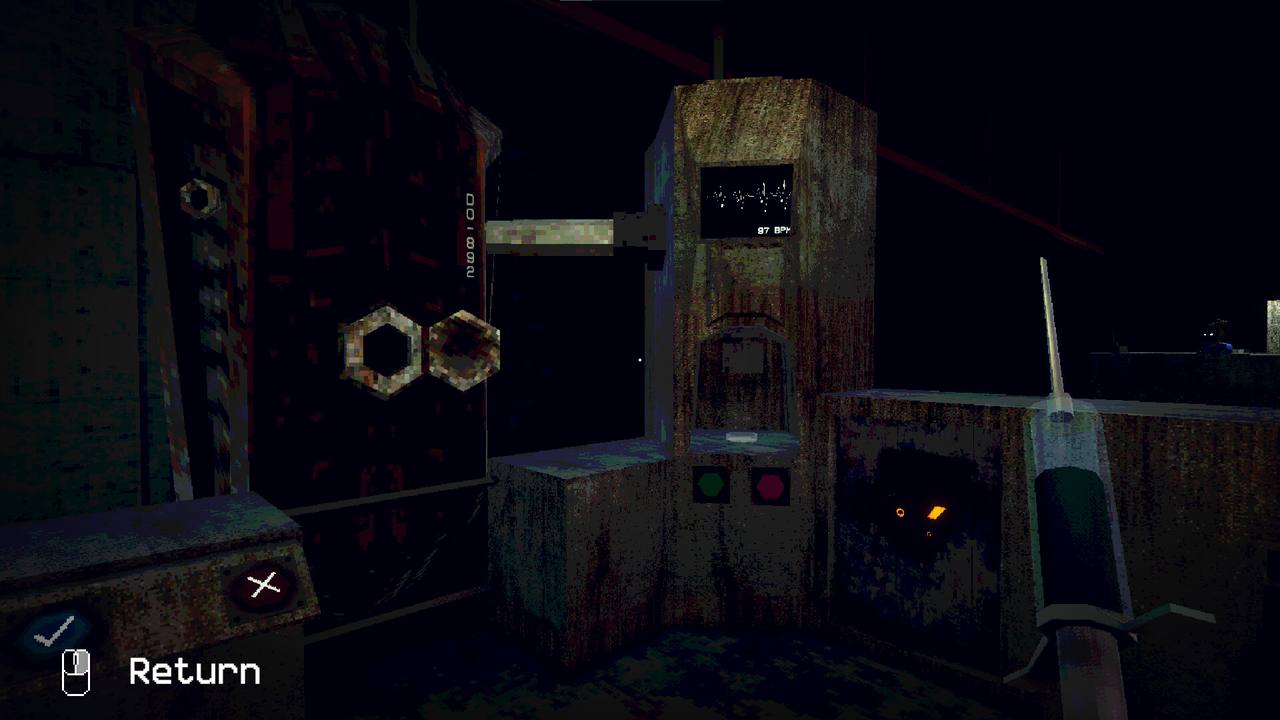
HR: Human Remains puts you in the shoes of a clerk whose survival depends on a piece of paper: the survival ticket. Your boss assigns tasks, you complete them, and the ticket stays valid. The game is a first-person puzzle adventure — you explore, talk to people, carry objects between machines, and avoid the things that hunt you. It is not a combat game and it is not a busywork simulator: players who finished the demo describe it as a horror adventure where you go through a level, interact with objects and NPCs, solve puzzles, and evade enemies in the dangerous areas.
The survival ticket loop
Everything in HR: Human Remains runs on the survival ticket. Officially: it is the only thing between you and a demon's maw, and to keep it you complete the tasks assigned by your boss. The diligent are rewarded; there are consequences for those who disobey. In practice that means:
- Report for work and take the task your superior assigns.
- Explore the area the task sends you to — offices, city streets, labs, industrial sites.
- Solve the environmental puzzle blocking the task, using objects you find on site.
- Decide how honestly you report back. This is where the game's choice system lives.
Controls that confuse everyone
| Action | What actually happens |
|---|---|
| Interact / pick up | Standard use key on highlighted objects |
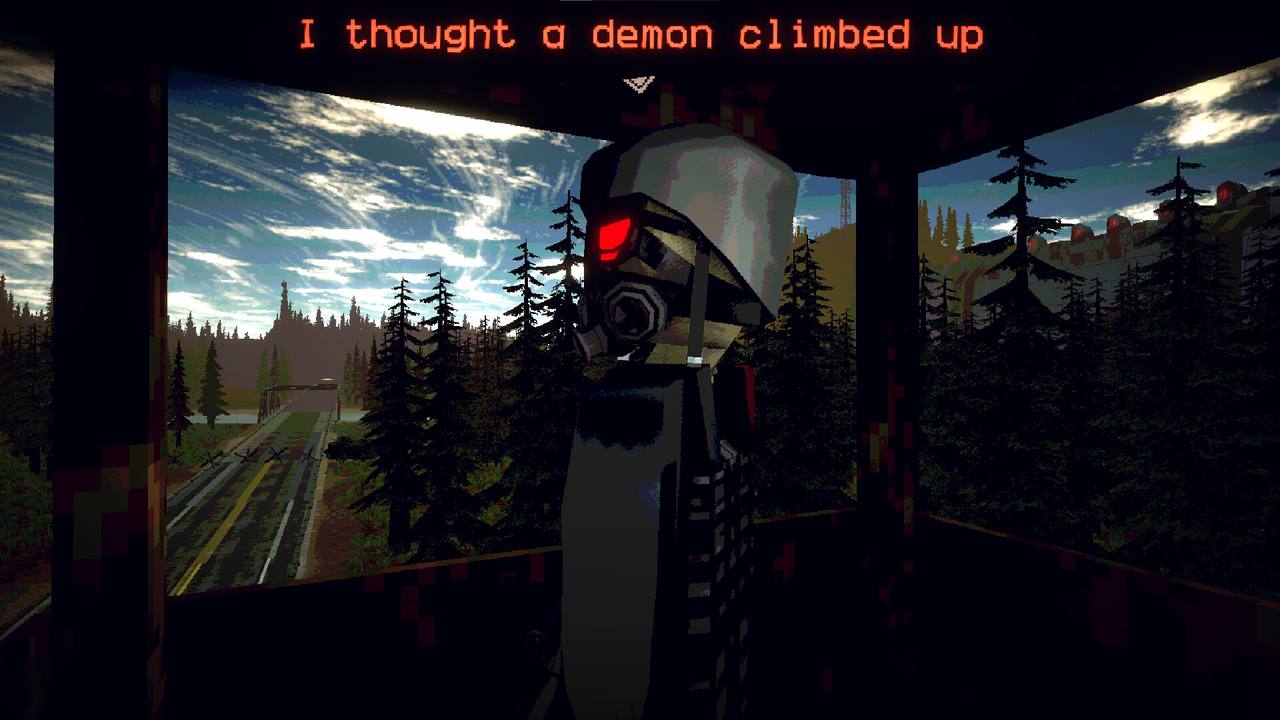
| Right-click while holding an item | Returns the item to the place you picked it up — it does not drop it |
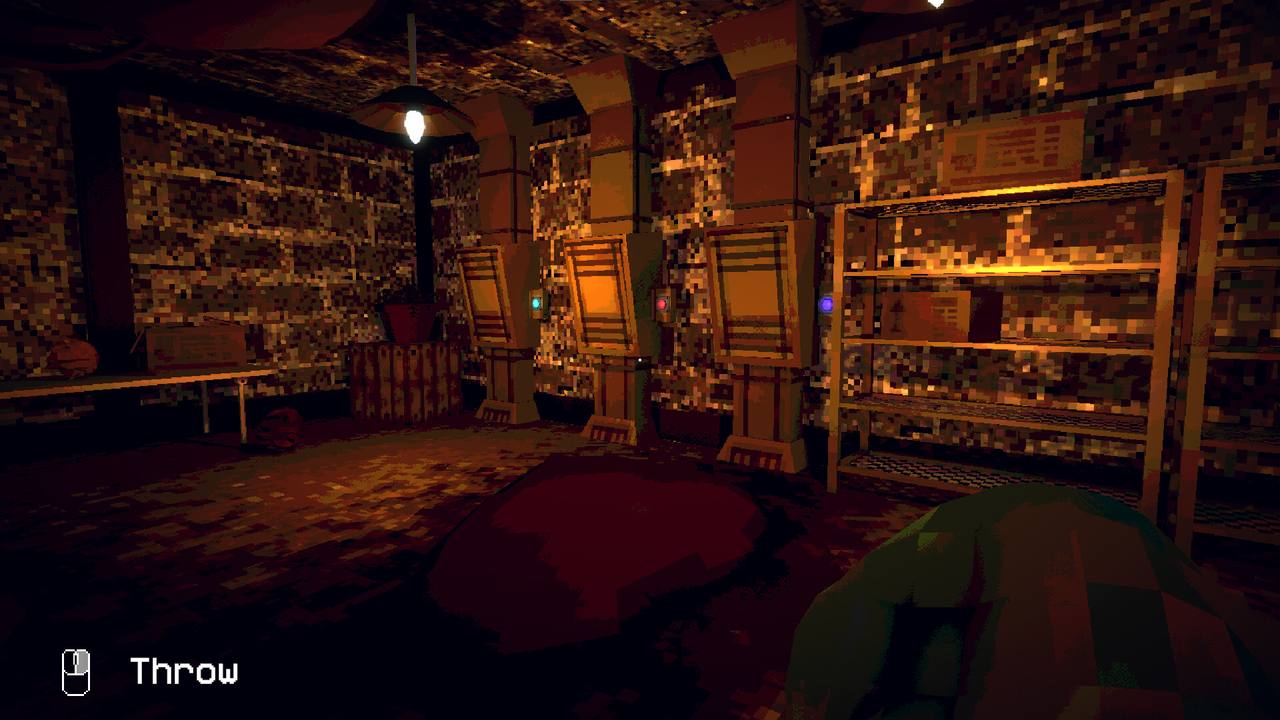
| Left-click in hand-to-hand range | Throw — the HUD literally labels it "Throw" |
The right-click rule is the single biggest source of "I'm stuck, my item vanished" reports from the demo. A player who lost a screwdriver this way spent ages looking for it before finding it back in its original spot. If an item disappears, walk back to where you found it first.
Settings: fix the brightness first
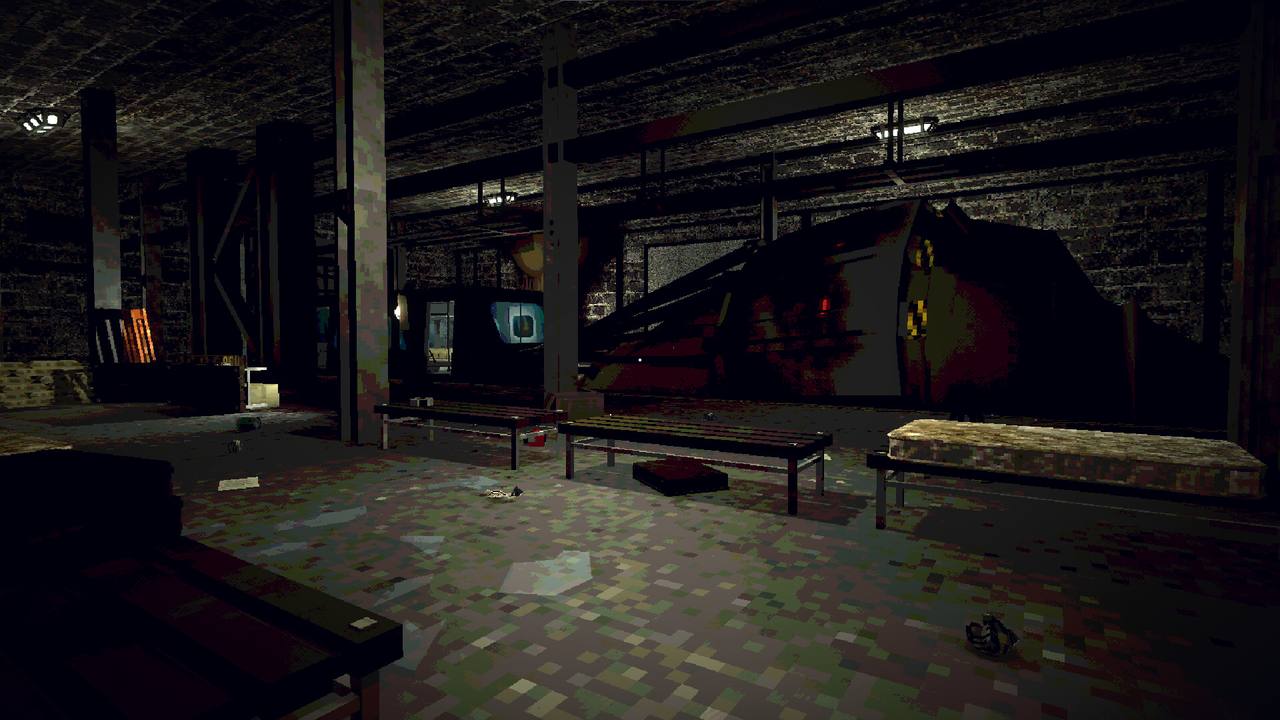
One demo player needed twenty minutes to find where a key was used because the game was too dark, and put it plainly: do not use the recommended darkness settings — it is basically a dark wall. Set brightness well above the default before your first session. The demo's other settings were limited (sound and sensitivity were the main ones reported), so expect the full game to expose more.
What kind of game this is
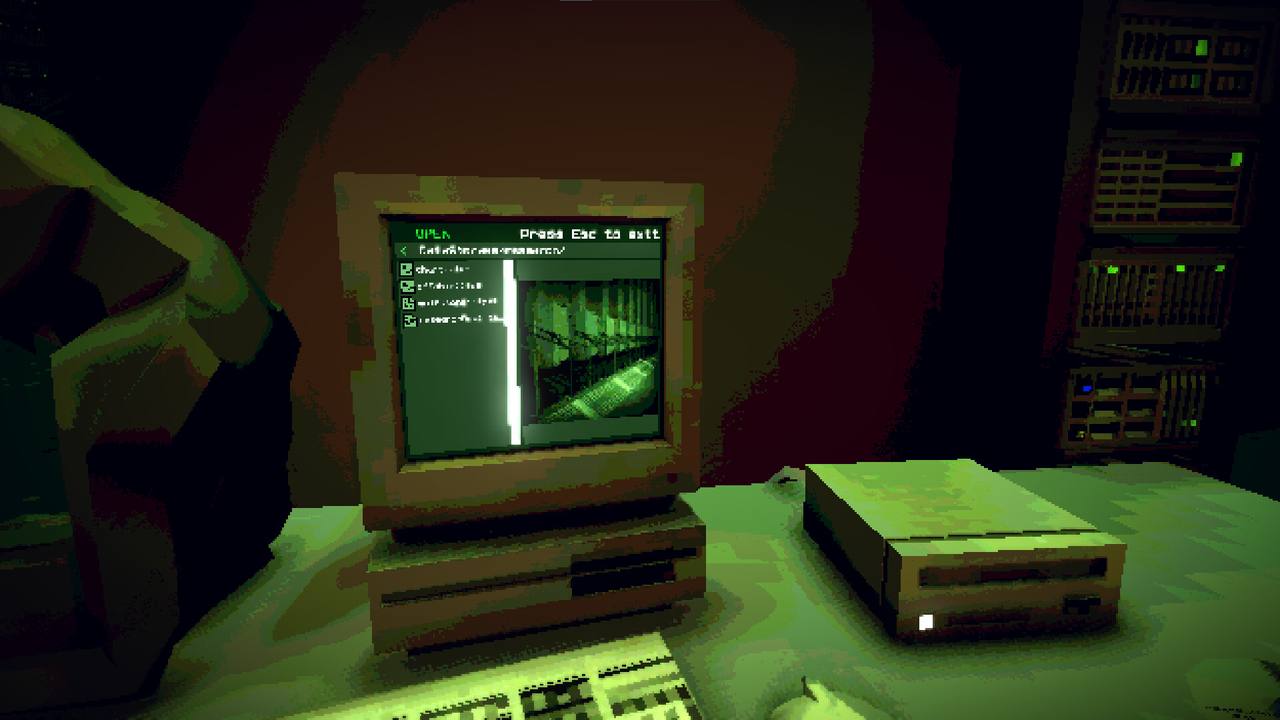
- Puzzles, not twitch combat. The demo's puzzles are object problems: a key and a med kit, a disc that goes into a drive, a screwdriver that opens the way forward.
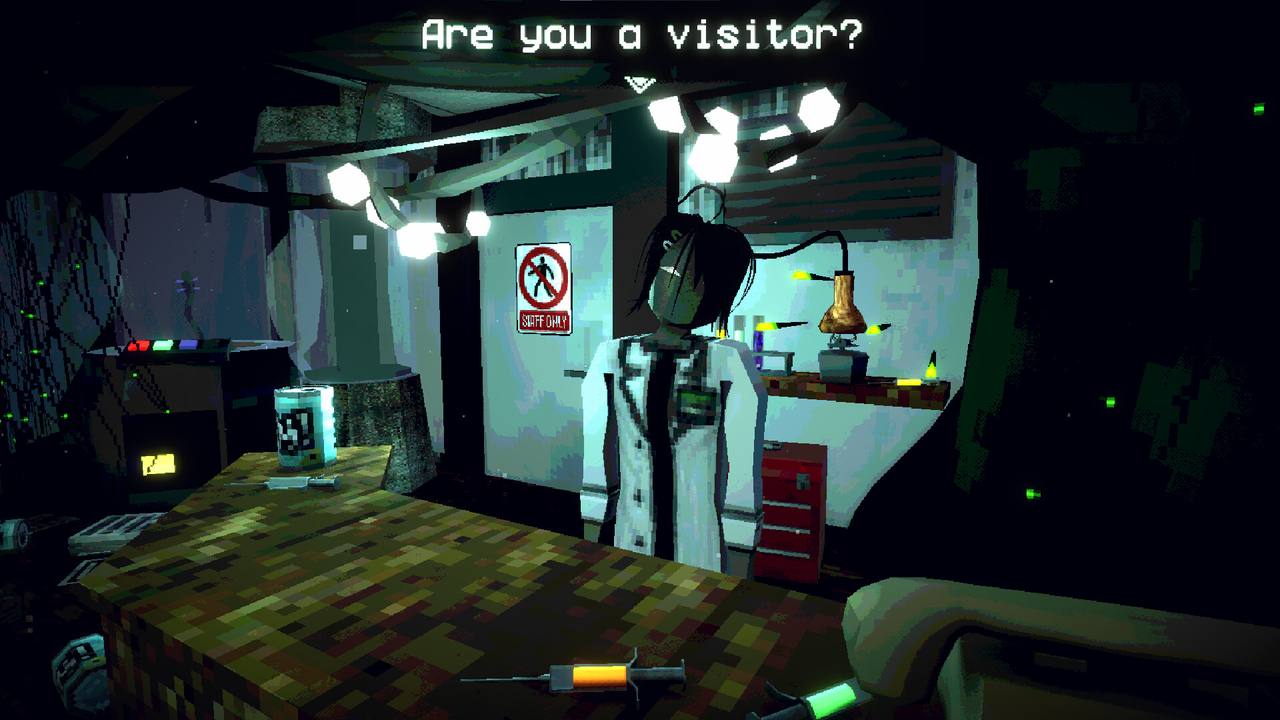
- Exploration with rules. You learn how the demon-run society works by talking to demons and other survivors, and by reading the environments.
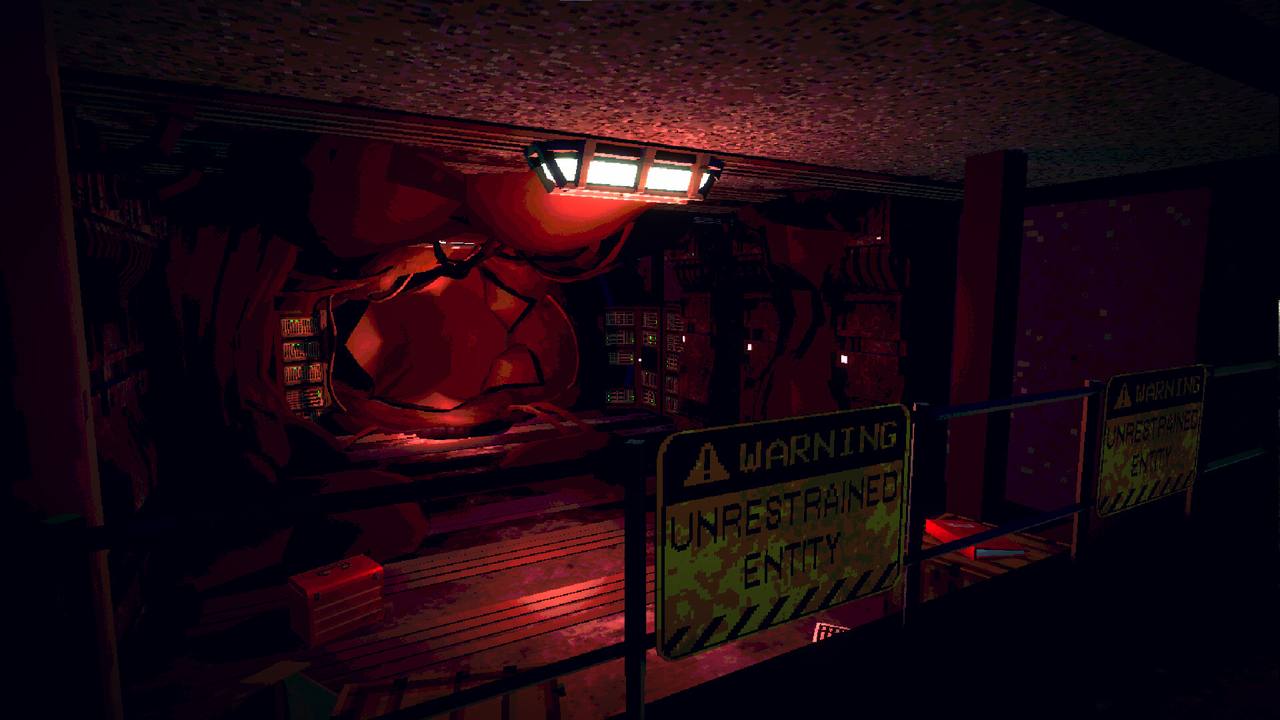
- Hiding is real. There are areas with enemies you evade rather than fight.
- Your choices matter. The store page promises multiple endings based on your choices — see the endings guide.
- A room of your own. Collectible items decorate your break room in the full game.
First hour checklist
- Raise brightness above the recommended value.
- Learn the right-click return rule before you carry anything far.
- Check the puzzle rules so item puzzles take minutes, not half an hour.
- Talk to everyone — the society's rules are taught through dialogue, not tutorials.
- Note where you picked objects up. You will revisit those spots.
All guides8
 Walkthrough
HR: Human Remains walkthrough
 Endings
HR: Human Remains endings guide
 Puzzles
HR: Human Remains puzzle solutions
 Cast
CastHR: Human Remains characters
 Collectibles
HR: Human Remains break room & collectibles
 Secrets
HR: Human Remains secrets & hidden places
 100%
100%HR: Human Remains achievements
 Launch